Sync and data
Offline work and device synchronisation
An open tab is refreshed by a live channel, an offline client catches up through the change journal cursor. The conflict resolution mechanism is the same one: the event version, not a separate sync protocol.
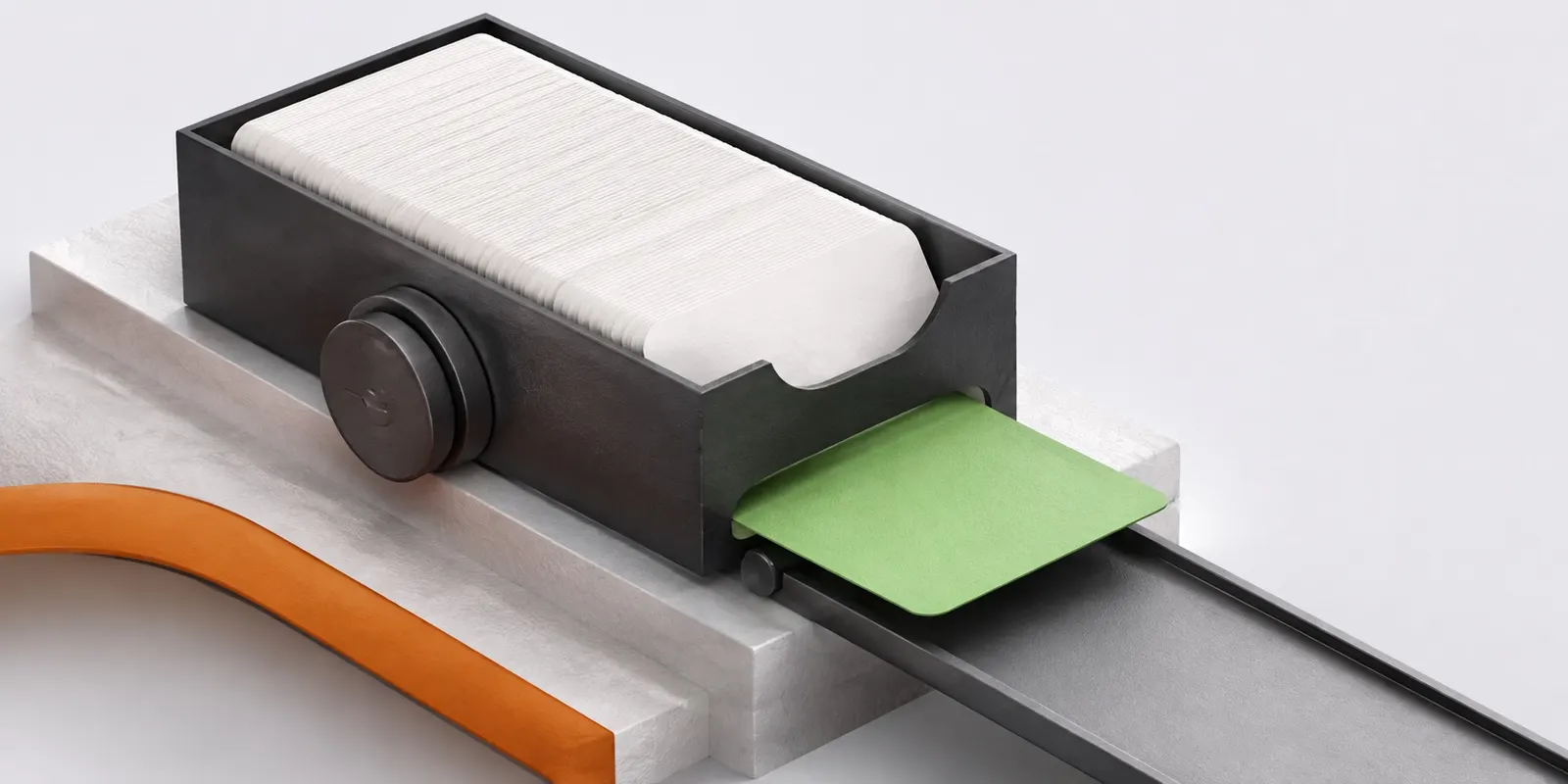
What is inside
- Live refresh of an open tab when another product writes an event
- Catch-up through the change journal cursor after being away
- The last loaded range is shown when a request does not go through
- Offline edits queue up, each carrying its own version
- An edit is dropped when the event was changed online in the meantime
- Neighbouring tabs know about each other and do not send the queue twice
- Installs on a phone or a computer as an app, without the browser address bar
Included in the single A3.Calendar edition, with no add-ons or higher plans. How to get access
Frequently asked questions
What happens to edits made without internet?
They wait in a queue and are sent when the connection returns. If the event changed online in the meantime, the edit does not silently overwrite it.
Can I install the calendar as an app?
Yes. The calendar installs on a phone or a computer as a web app and opens without the browser address bar.
Other features
Connect the schedule of the whole suite
Personal, team and resource calendars, reminders, the slot finder, booking links and external synchronisation are available from day one.